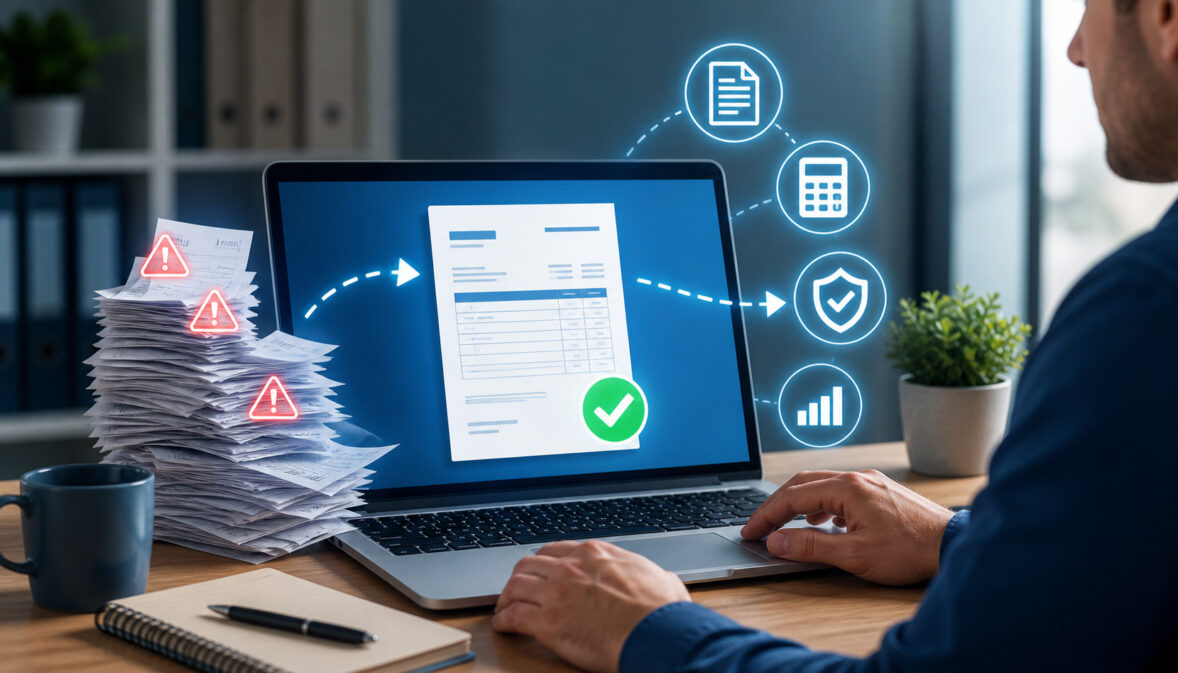
Accurate invoicing is one of the simplest ways contractors and service businesses can protect cash flow, reduce disputes, and get paid faster. Yet many billing problems start with small mistakes: an incorrect total, a missed labor charge, duplicate invoice, wrong tax calculation, unclear payment term, or change order that never made it onto the final bill.
For contractors, remodelers, builders, subcontractors, tradespeople, and service businesses, invoices are more than payment requests. They are financial records, client communication tools, project summaries, and proof of completed work. When they are inaccurate, payment delays, client questions, and bookkeeping cleanup often follow.
Reducing manual errors in invoicing means building a better process so fewer mistakes happen before an invoice reaches the client. That may include invoice automation, stronger documentation, payment tracking, approval steps, invoice reconciliation, digital invoices, online payment links, and invoice management software.
The goal is not to make billing complicated. The goal is to make invoicing consistent, accurate, and easier to manage as work gets busier.
What Does Reducing Manual Errors in Invoicing Mean?
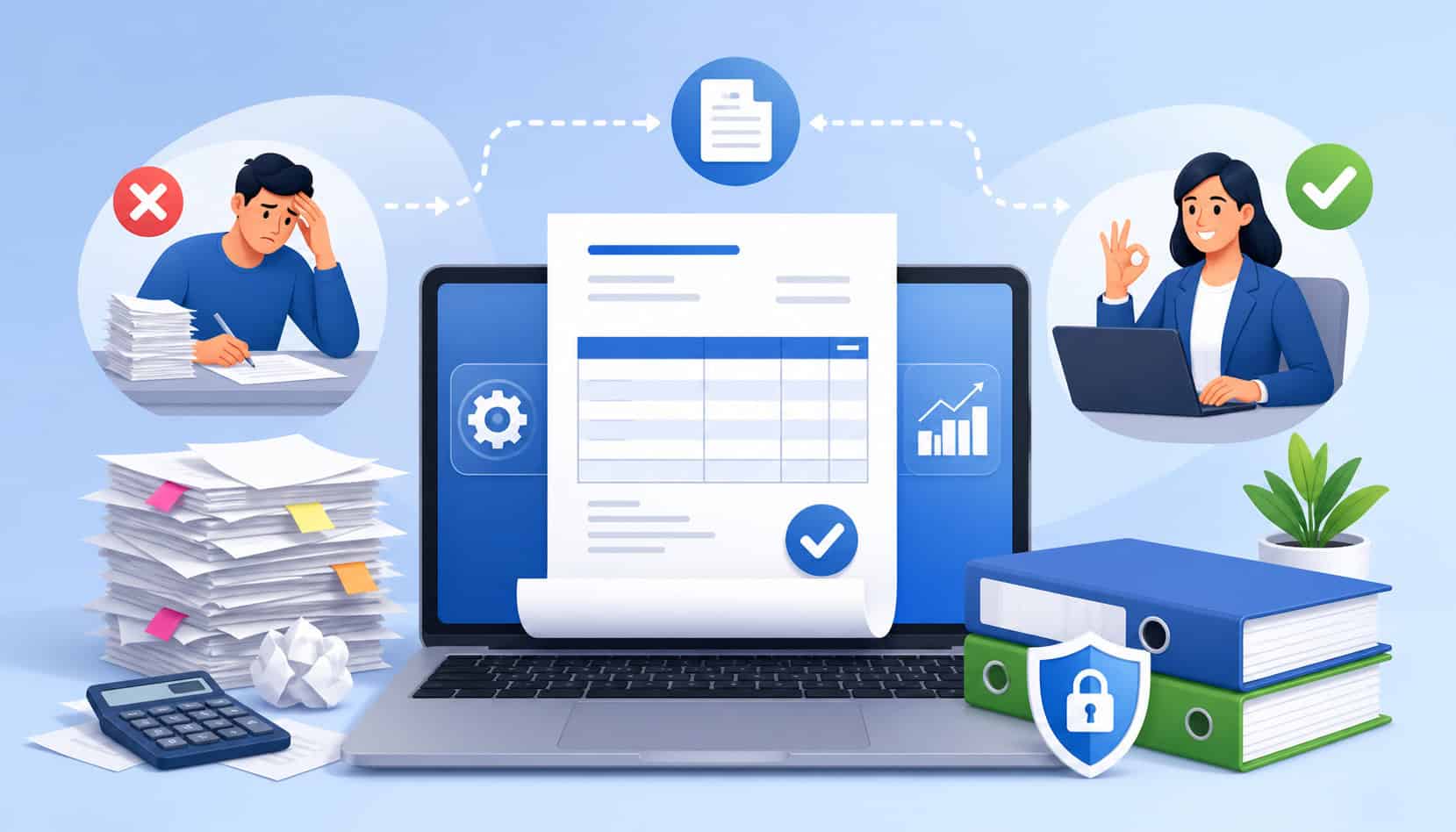
Reducing manual errors in invoicing means improving how invoice information is collected, reviewed, sent, tracked, and reconciled. Instead of relying on memory, handwritten notes, scattered texts, or spreadsheet formulas, the business uses a repeatable billing process that reduces preventable mistakes.
Manual errors often happen when someone has to retype information from one place into another. A project estimate may be copied into a spreadsheet. Labor hours may be pulled from a timecard. Material costs may come from receipts. Change orders may be buried in email threads. Payment terms may be added manually each time.
Every manual handoff creates room for mistakes.
For contractors and service businesses, invoicing error reduction usually focuses on:
- Reducing manual data entry
- Preventing duplicate invoice numbers
- Making sure all approved work is billed
- Applying the correct pricing, taxes, fees, and discounts
- Using consistent payment terms
- Matching invoices to job records
- Tracking payment status clearly
- Reconciling deposits, refunds, and outstanding balances
Invoicing accuracy improvement also protects relationships. Clients are more likely to pay quickly when the invoice is clear, itemized, accurate, and easy to understand. They are less likely to dispute charges when labor, materials, permits, change orders, and payment terms are documented.
Why Manual Invoicing Errors Happen
Manual invoicing errors usually come from process gaps, not carelessness. Most contractors are busy managing crews, jobsites, suppliers, schedules, clients, and inspections. Billing often happens after a long day or at the end of the week, when details are easy to miss.
Handwritten notes are a common source of contractor invoicing errors. A foreman may write down extra labor, added materials, or equipment rental costs, but those notes may not reach the person creating the invoice. Even when they do, handwriting may be unclear or incomplete.
Spreadsheets can also create problems. They are flexible, but they depend heavily on correct formulas, consistent formatting, and careful data entry. A deleted formula, wrong cell reference, copied row, or outdated price can change the invoice total without anyone noticing.
Another major cause is copying estimates manually into invoices. If the original estimate changes, the invoice may not reflect the final scope. Change orders, additional trips, permit fees, disposal costs, upgraded materials, and rush charges can be forgotten.
Manual errors also happen because of unclear approval steps. If invoices are sent before a project manager, owner, or office administrator reviews them, mistakes may reach the client first. That creates unnecessary back-and-forth.
Poor recordkeeping makes the issue worse. When time logs, receipts, job photos, contracts, and payment records are stored in separate places, billing accuracy depends on someone finding every detail manually.
Common Invoicing Errors Contractors Should Watch For
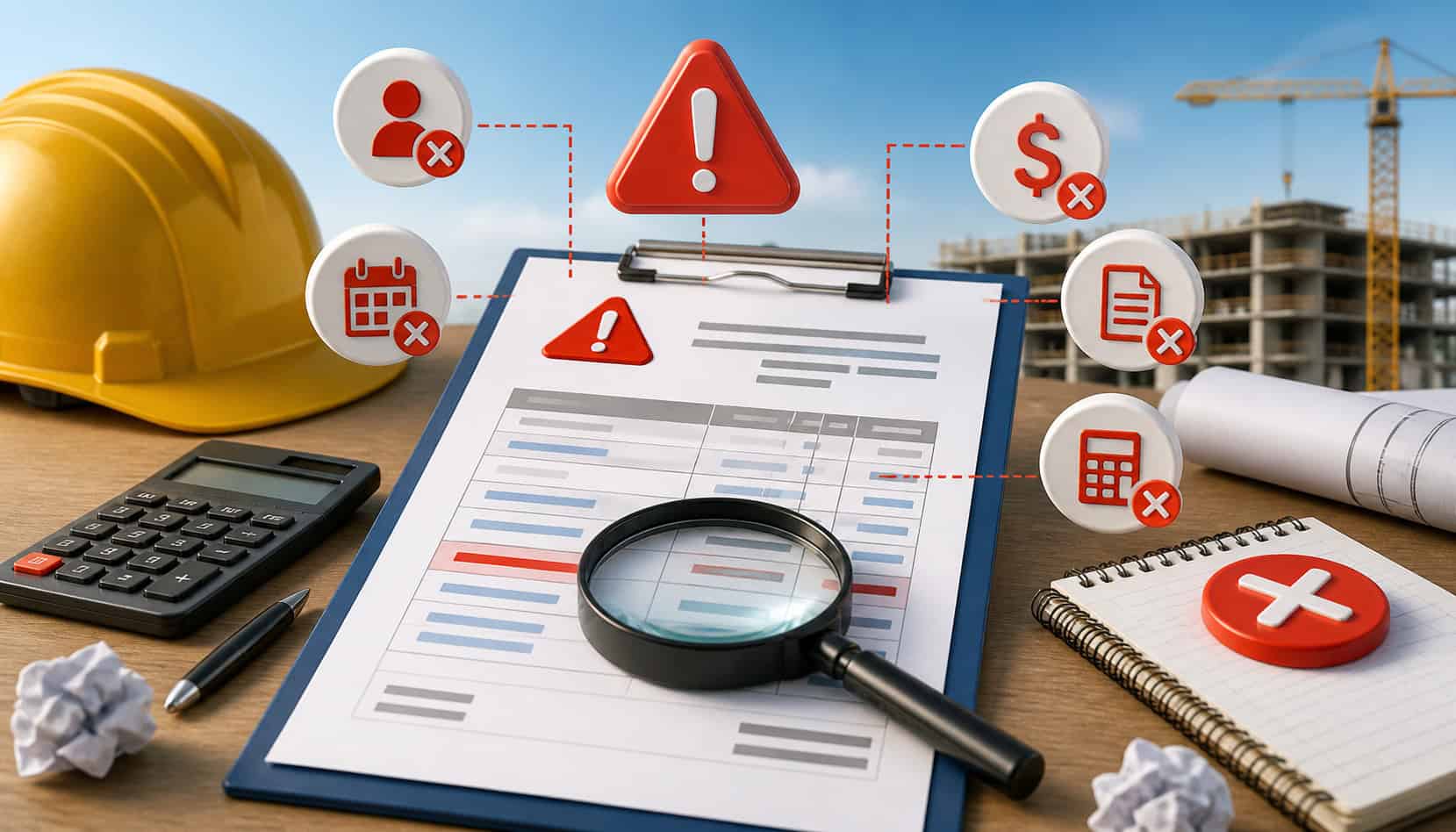
Many invoicing problems follow predictable patterns. Once you know where mistakes usually happen, you can build checks into your workflow and prevent them before the invoice goes out.
| Invoice Error | Why It Happens | How to Prevent It |
| Missing labor charges | Time logs are incomplete or not connected to the job | Require daily time tracking tied to each project |
| Incorrect material costs | Receipts are missing or prices are outdated | Attach receipts and update price lists regularly |
| Wrong quantities | Measurements, units, or job notes are entered manually | Use standardized item descriptions and quantity fields |
| Duplicate invoices | Invoice numbers are tracked manually | Use invoice management software with automatic numbering |
| Missed invoices | Completed work is not marked ready for billing | Create a job completion and billing trigger |
| Tax mistakes | Tax settings are entered manually or not reviewed | Review tax rules and automate tax calculations where possible |
| Incorrect payment terms | Terms are copied from old invoices | Use templates with approved payment terms |
| Missing change orders | Approved changes are stored outside billing records | Connect change orders to job records before invoicing |
| Wrong client details | Customer information is typed manually | Maintain a centralized customer database |
| Payment misapplied | Payments are matched manually without references | Use online payment links and invoice-specific payment tracking |
Incorrect Line Items or Quantities
Incorrect line items are among the most common contractor invoicing errors because project work often changes after the original estimate. A remodel may require extra framing. A plumbing job may need additional fittings. A service call may involve more diagnostic time than expected. If those details are not added to the invoice, the business may underbill.
Missing quantities can also create disputes. For example, an invoice may list “materials” without showing the number of units, length, hours, or cost basis. The client may not understand why the total is higher than expected, even if the charge is valid.
Commonly missed items include:
- Labor hours
- Materials and supplies
- Equipment rental fees
- Travel charges
- Permit fees
- Disposal or hauling costs
- Emergency service fees
- Approved change orders
- Subcontractor charges
The solution is to connect line items to job records. Time logs, receipts, project notes, and signed change orders should be reviewed before the invoice is sent.
Pricing, Tax, and Total Calculation Mistakes
Pricing and calculation mistakes can directly affect profit. If rates are outdated, discounts are entered incorrectly, or fees are missed, the invoice may not reflect the true cost of the job. Even a small math error can create confusion if the client reviews the numbers carefully.
Manual tax entry is another risk. The wrong tax setting, missing tax line, or incorrect taxable amount can cause billing cleanup later. Businesses that offer both labor and materials may need extra care because different items may be treated differently depending on the job type and local requirements.
Calculation mistakes often happen when invoices are built manually in spreadsheets or documents. Someone may copy an old invoice, update some fields, and miss others. A formula may not include a new row. A discount may be applied twice. A deposit may not be subtracted from the balance due.
Invoice automation can help by calculating totals, applying preset tax settings, and preserving pricing from approved estimates.
Duplicate or Missed Invoices
Duplicate and missed invoices are both signs of weak payment tracking. A duplicate invoice can frustrate a client and make the business look disorganized. A missed invoice can quietly damage cash flow because completed work is never billed.
These problems often happen when job management, invoicing, and payment records are disconnected. One person may mark a project complete, another may prepare the invoice, and another may track payment. Without a shared system, it is easy to lose visibility.
Duplicate invoices may happen when invoice numbers are created manually or when a team member resends an invoice without realizing another version already exists. Missed invoices may happen when small jobs, service calls, warranty exclusions, or change orders are not moved into the billing queue.
A better process uses clear job statuses such as “ready to invoice,” “invoice sent,” “partially paid,” “paid,” and “overdue.” Invoice management software can make this easier by keeping records in one place.
How Automated Invoicing Solutions Improve Accuracy
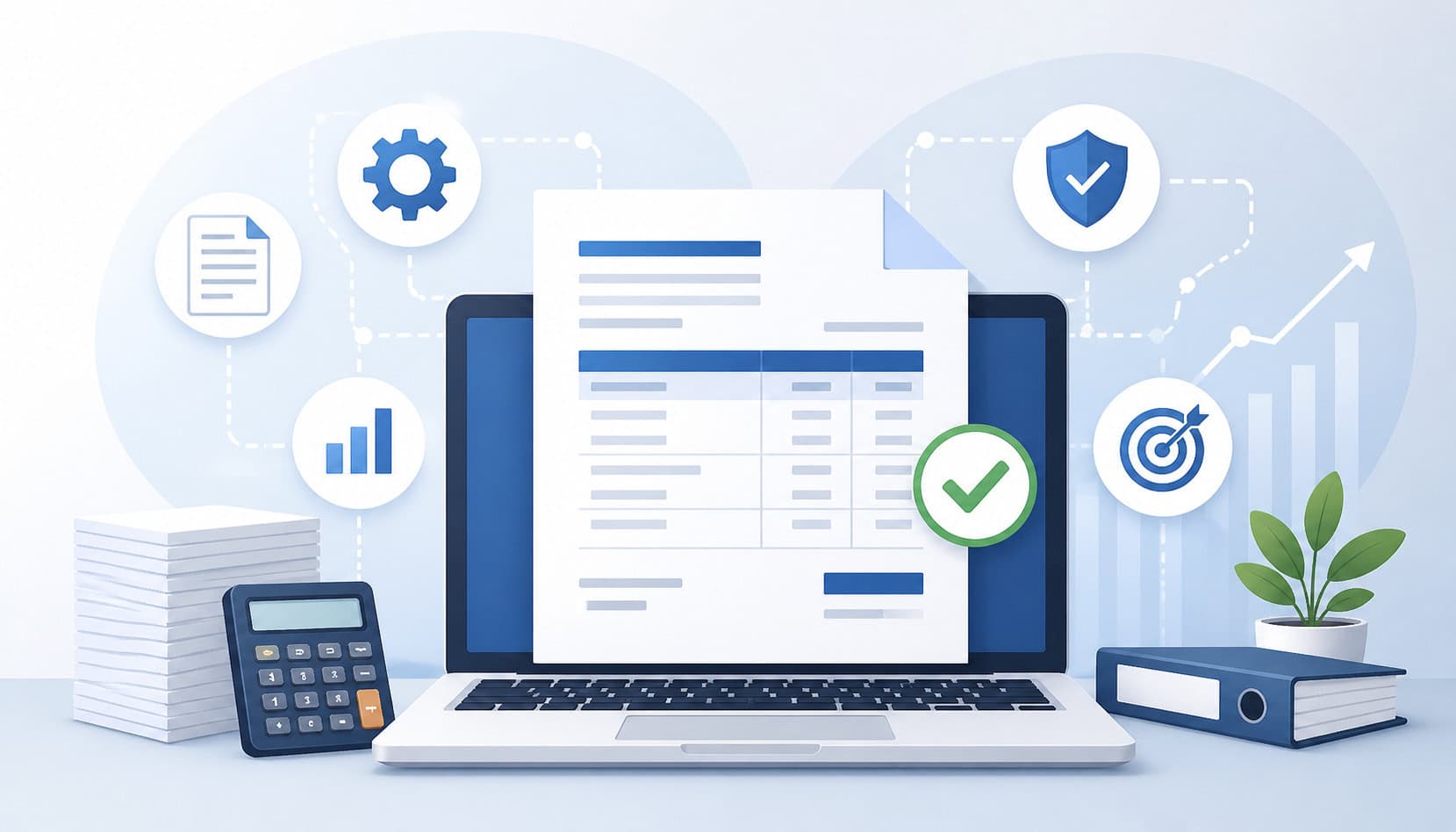
Automated invoicing solutions reduce the need to manually re-enter the same information across estimates, invoices, payment records, and accounting systems. This is one of the most effective ways to improve billing accuracy because it removes many of the repetitive tasks where mistakes happen.
Invoice automation can pull approved details from estimates, contracts, jobs, or work orders. It can apply standard tax settings, use saved customer information, generate invoice numbers, calculate totals, track payment status, and send payment reminders.
For contractors, automation is especially useful because projects often involve multiple cost categories. Labor, materials, equipment, permits, deposits, retainers, change orders, and progress payments need to be organized correctly. A manual process can handle this when volume is low, but errors become more likely as the number of jobs increases.
Automated systems also create a cleaner record trail. Instead of searching through texts, notebooks, and spreadsheets, the business can review job details, invoice history, payment activity, and outstanding balances in one place.
Useful features may include:
- Digital invoices
- Estimate-to-invoice conversion
- Recurring invoices
- Automatic invoice numbering
- Saved client profiles
- Payment tracking
- Payment reminders
- Online payment links
- Invoice reconciliation reports
- Integration with accounting or job management tools
For more background on digital billing options, this guide to online invoicing tools for contractors can be a helpful reference.
Estimate-to-Invoice Conversion
Estimate-to-invoice conversion helps preserve the original scope, pricing, and approved details from the sales or project planning stage. Instead of rebuilding an invoice from scratch, the business starts with information the client already reviewed.
This reduces errors because the invoice can carry over:
- Client name and project address
- Approved scope of work
- Labor categories
- Material line items
- Equipment charges
- Deposits
- Discounts
- Payment terms
- Approved change orders
For contractors, this is especially important because estimates are often detailed. A manual invoice may summarize the job too much and accidentally leave out billable items. Conversion tools help keep the invoice aligned with what was approved.
Estimate-to-invoice workflows also help with invoice dispute prevention. If a client questions a charge, the business can compare the invoice to the approved estimate and any signed changes. That documentation makes the conversation easier and more professional.
Automated Payment Reminders
Automated payment reminders help reduce late payments without requiring the owner, office manager, or project manager to remember every follow-up. This improves payment tracking and keeps overdue invoices from being forgotten.
Manual follow-up can be inconsistent. A busy contractor may send reminders one week and miss them the next. Some clients may receive a reminder too early, while others may not hear anything until the invoice is far overdue.
Automated reminders create a predictable schedule. For example, a client may receive a reminder before the due date, on the due date, and after the due date if payment has not been received. When written professionally, these reminders can reduce awkward collection calls.
They also help clients because invoices are easy to lose in crowded inboxes. A reminder with the invoice number, balance due, due date, and payment link gives the client a clear next step.
You can learn more from this guide to automated payment reminders for contractors.
Invoice Templates and Standard Fields
Invoice templates improve accuracy by making sure every invoice includes the same essential information. Without templates, each invoice may look different depending on who created it, which old invoice was copied, or how much time the sender had.
A strong contractor invoice template should include:
- Business contact information
- Client name and billing contact
- Project address
- Invoice number
- Invoice date
- Due date
- Payment terms
- Itemized scope
- Labor and materials
- Taxes and fees
- Deposits or credits
- Balance due
- Accepted payment methods
- Payment link or payment instructions
Templates also support billing accuracy by reducing blank fields. If every invoice requires a project address, due date, and payment terms, fewer invoices go out incomplete.
For service businesses, templates can be customized by job type. A maintenance invoice may need different fields than a remodeling progress invoice. A subcontractor invoice may need purchase order references, retainage, or job codes.
Step-by-Step Guide to Reducing Manual Invoicing Errors
A reliable invoicing process does not need to be complicated. The best approach is to standardize the details, connect invoices to job records, review before sending, and reconcile payments regularly.
This workflow supports invoicing error reduction whether you use invoice management software, accounting software, construction management tools, or a smaller digital invoicing setup.
Start by mapping the full billing process from job approval to final payment. Identify where information comes from, who reviews it, who sends the invoice, how payment is collected, and how the invoice is reconciled.
Then look for manual steps. Anywhere someone retypes information, copies totals, updates spreadsheets, or manually matches payments is a potential error point. Those steps should either be standardized, automated, or reviewed with a checklist.
A strong workflow should answer these questions:
- Who confirms the job is ready to invoice?
- Where are labor hours stored?
- Where are material receipts stored?
- Who approves change orders?
- Who checks totals and taxes?
- How are payments matched to invoices?
- How often are unpaid invoices reviewed?
- What happens when a client disputes a charge?
The following steps can help contractors and service businesses build a more accurate invoicing system.
Step 1: Standardize Invoice Details
Standardization is the foundation of reducing manual errors in invoicing. If every invoice is created differently, mistakes become harder to catch. If every invoice follows the same structure, review becomes much easier.
Define the required fields for every invoice. These should include client name, billing contact, project address, invoice number, invoice date, due date, payment terms, scope of work, labor, materials, taxes, discounts, deposits, balance due, and accepted payment methods.
For contractors, the project address is especially important. The billing address and work location may not be the same. Including both when needed can prevent confusion, especially for property managers, builders, and clients with multiple locations.
Standardized invoice numbers are also important. Manual numbering can lead to duplicates, skipped records, or confusion during reconciliation. Automated numbering through invoice management software is usually safer.
Step 2: Connect Invoices With Job Records
Invoices should not be created in isolation. They should match the job records that prove what was estimated, approved, performed, purchased, changed, and paid.
Important records may include:
- Signed estimates
- Contracts
- Work orders
- Time logs
- Material receipts
- Supplier invoices
- Equipment rental records
- Change orders
- Photos
- Inspection notes
- Client approvals
- Deposit records
When invoice details are connected to these records, billing accuracy improves. The person preparing the invoice can confirm that labor, materials, and approved changes are included. The reviewer can compare the invoice against the job file before it is sent.
This also helps if the client asks questions. Instead of searching through messages or calling multiple team members, the business can reference the job record and respond quickly.
Integrated systems can make this easier. For example, connecting payment processing with job or construction management software can improve tracking and reduce manual entry. This article on integrating payment processing into construction management software explains why real-time invoice and payment visibility matters.
Step 3: Review Before Sending
A pre-send review is one of the simplest ways to catch invoicing mistakes. Even with invoice automation, someone should review the invoice before the client receives it.
A good review does not need to take long. It should focus on the most common error points: client details, dates, invoice number, scope, quantities, pricing, taxes, deposits, payment terms, and payment links.
Use a checklist such as:
- Is the client name correct?
- Is the project address correct?
- Is the invoice number unique?
- Is the invoice date correct?
- Is the due date correct?
- Are payment terms included?
- Are all labor charges listed?
- Are all material charges included?
- Are approved change orders included?
- Are taxes, fees, discounts, and deposits correct?
- Does the balance due match the job record?
- Does the payment link work?
- Has the invoice been approved internally?
For larger jobs, a second review may be useful. The project manager can confirm scope and quantities, while the office or accounting person confirms totals and payment terms.
Step 4: Reconcile Payments Regularly
Invoice reconciliation means comparing invoices, payments, deposits, refunds, processing fees, credits, and outstanding balances. It confirms whether the money received matches what was billed.
Regular reconciliation helps catch issues such as:
- Payments applied to the wrong invoice
- Partial payments not recorded correctly
- Processing fees not accounted for
- Refunds missing from records
- Duplicate payments
- Unpaid balances marked as paid
- Paid invoices still showing overdue
- Deposits not deducted from final invoices
For contractors and service businesses, reconciliation should happen consistently. Weekly review may work for smaller teams. Higher-volume businesses may need daily review.
Payment tracking is easier when clients pay through invoice-specific online payment links. The payment can be tied directly to the correct invoice, reducing manual matching. This is especially helpful when multiple invoices are open for the same client.
Reconciliation also supports cash flow planning. Aging reports show which invoices are current, coming due, overdue, or seriously late. That helps the business prioritize follow-up.
Best Practices for Invoicing Accuracy Improvement
Improving invoicing accuracy requires both good tools and good habits. Software can reduce manual entry, but the process still depends on consistent documentation, review, and follow-up.
Start by using digital invoices whenever possible. Digital invoices are easier to track, search, resend, and reconcile than paper invoices or document attachments. They also make it easier to include online payment links, payment terms, and invoice-specific records.
Document change orders immediately. Many billing disputes start because the client remembers the original estimate, while the contractor bills for additional work that was discussed later. Signed or written approval helps prevent confusion.
Update pricing regularly. Labor rates, material costs, fuel charges, supplier pricing, and subcontractor costs can change. If invoice templates or item lists are outdated, the business may underbill or create inconsistent pricing.
Assign invoice approval roles. The person who performed or managed the work may be best suited to confirm scope. The person responsible for billing may be best suited to confirm totals, deposits, and payment terms.
Other best practices include:
- Use itemized descriptions
- Save receipts by job
- Track invoice status daily or weekly
- Review aging reports
- Use consistent payment terms
- Add payment links to invoices
- Keep customer records updated
- Reconcile payments on schedule
- Store invoice history in one system
- Train team members on billing procedures
How Online Payment Links Reduce Invoice Confusion
Online payment links can reduce invoice confusion by giving clients a direct way to pay the correct invoice amount. Instead of mailing a check, calling in card details, or sending a payment without a reference, the client clicks the link connected to the invoice.
This helps with billing accuracy and payment tracking. When the payment is tied to a specific invoice, it is easier to match the payment to the correct balance. That reduces manual payment matching and lowers the risk of applying funds to the wrong job.
Payment links also reduce friction for clients. A clear invoice with a visible payment button or link answers the most important question: “How do I pay this?” The easier the payment step is, the less likely the invoice is to sit unpaid.
For contractors, online payment links can support:
- Faster payment collection
- Fewer payment matching errors
- Better transaction records
- Easier reconciliation
- Reduced follow-up
- Improved cash flow
- Clearer client communication
They also support invoice dispute prevention because the payment record is connected to the invoice, amount, date, and client.
For more context on digital payment options, see this guide on accepting online payments for construction bids and proposals.
Preventing Invoice Disputes With Clear Documentation
Invoice disputes often happen when the client does not understand what they are being charged for. Sometimes the invoice is correct, but the documentation is weak. Other times, the dispute reveals that the invoice does not match the approved scope.
Clear documentation helps prevent both problems.
A detailed invoice should connect the amount due to the work performed. That does not mean every invoice needs to be overly long. It means the client should be able to see what was done, what was added, what was credited, and when payment is due.
Useful documentation includes:
- Signed estimates
- Contracts
- Written change order approvals
- Material receipts
- Job photos
- Completion notes
- Time records
- Permit records
- Delivery slips
- Deposit receipts
- Payment terms
For remodelers, builders, and subcontractors, change orders deserve special attention. If the scope changes in the field but the approval is informal, the final invoice may surprise the client. A signed or written approval creates a clear record.
Payment terms should also be visible before the invoice is sent. Clients should know when payment is due, what payment methods are accepted, whether deposits apply, and whether late fees or progress billing terms exist.
Common Mistakes to Avoid
Even experienced businesses can fall into invoicing habits that increase errors. The most common mistake is relying only on spreadsheets after the business has outgrown them. Spreadsheets can work for very small operations, but they become risky when multiple people, jobs, payments, and revisions are involved.
Another mistake is using vague descriptions. An invoice that says “labor and materials” may be fast to create, but it does not give the client much detail. If the total is higher than expected, vague wording can trigger questions or disputes.
Skipping tax review is another problem. Tax settings, taxable items, exemptions, and job types should be reviewed carefully. Manual tax entry should not be rushed.
Sending invoices without approval can also create preventable errors. The person creating the invoice may not know about a field change, warranty issue, discount, or pending client approval. A short review can prevent a larger problem.
Other mistakes to avoid include:
- Failing to track change orders
- Forgetting to deduct deposits
- Not issuing receipts
- Ignoring overdue balances
- Using old invoice templates
- Manually numbering invoices
- Letting multiple versions of an invoice circulate
- Not reconciling payments
- Storing job records in too many places
- Sending invoices without working payment links
FAQs
What causes manual invoicing errors?
Manual invoicing errors are usually caused by retyping information, using scattered records, relying on handwritten notes, copying old invoices, using outdated pricing, missing change orders, and skipping review steps.
How can businesses reduce invoicing errors?
Businesses can reduce invoicing errors by standardizing invoice fields, using digital invoices, connecting invoices to job records, documenting change orders, reviewing invoices before sending, using invoice automation, adding online payment links, tracking payment status, and reconciling payments regularly.
How does automated invoicing improve accuracy?
Automated invoicing improves accuracy by reducing manual data entry. It can pull details from approved estimates, apply tax settings, calculate totals, generate invoice numbers, track payment status, and send payment reminders.
What should every contractor invoice include?
Every contractor invoice should include the client name, project address, invoice number, invoice date, due date, payment terms, itemized scope of work, labor, materials, taxes, fees, discounts, deposits, balance due, accepted payment methods, and payment instructions or payment link.
Can payment links reduce invoice mistakes?
Yes. Payment links can reduce invoice mistakes by connecting the payment directly to the correct invoice. This improves payment tracking, reduces manual matching, creates a transaction record, and helps clients pay the correct amount faster.
How often should invoices be reconciled?
Invoices should be reconciled on a consistent schedule. Many small businesses benefit from weekly reconciliation, while higher-volume businesses may need daily review.
What is the best way to prevent invoice disputes?
The best way to prevent invoice disputes is to use clear documentation. Detailed invoices, signed estimates, written change orders, receipts, job photos, completion notes, and clear payment terms help clients understand what they are being billed for and why.
When should contractors move from manual invoices to invoicing software?
Contractors should consider invoicing software when manual billing starts causing delays, duplicate invoices, missed charges, payment tracking issues, spreadsheet errors, or client disputes.
Conclusion
Reducing manual errors in invoicing requires a consistent system, not just more careful typing. Contractors and service businesses can improve billing accuracy by standardizing invoice details, connecting invoices with job records, documenting change orders, using automated invoicing solutions, adding online payment links, tracking payment status, and reconciling payments regularly.
Better invoicing accuracy helps businesses get paid faster, avoid disputes, protect cash flow, and maintain stronger client relationships. When invoices are clear, complete, and easy to pay, everyone benefits: the business, the team, and the client.