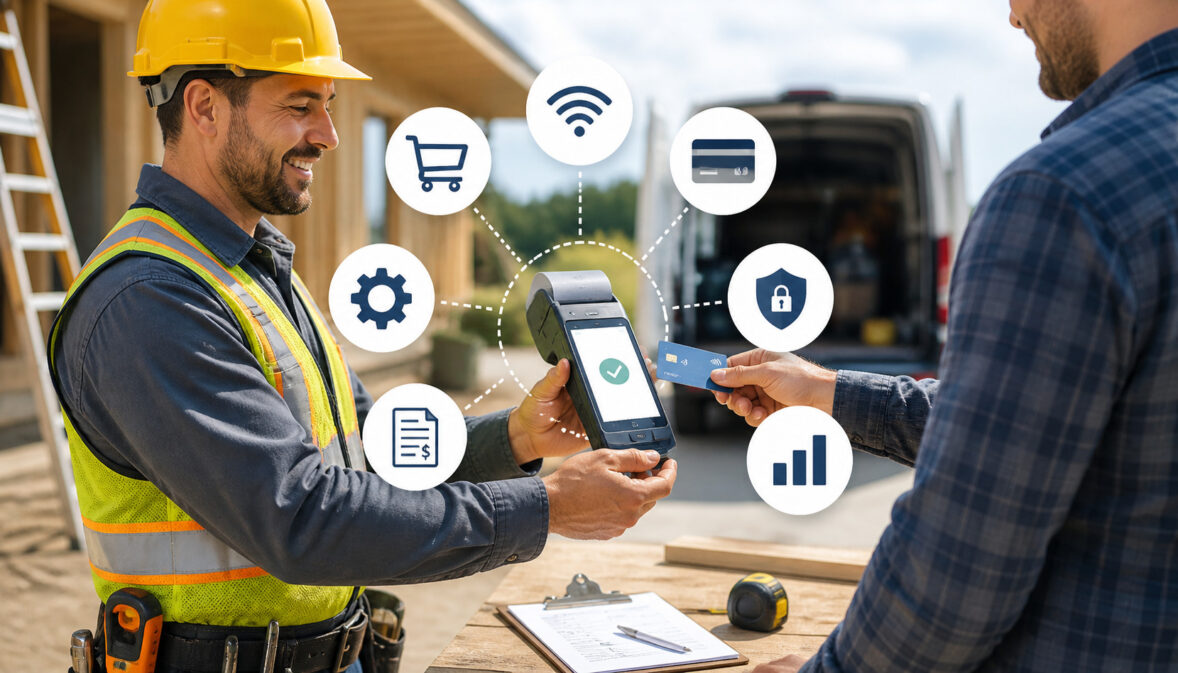
Contractors rarely get paid in one neat moment at a desk. Payments often happen after an estimate approval, at a jobsite walkthrough, during an emergency service call, after a change order, or when a final invoice is approved.
That is why mobile POS systems for contractors have become useful tools for builders, remodelers, subcontractors, specialty trades, and field service teams. They allow contractors to accept card payments, ACH payments, mobile wallets, deposits, progress payments, and final balances without waiting for checks or office-based billing.
A mobile POS setup can include a smartphone, tablet, payment app, mobile card reader, portable terminal, digital invoice tool, payment link, and reporting dashboard. Together, these tools help contractors collect jobsite payments, send receipts, track payment statuses, and improve cash flow.
For contractors managing crews, materials, callbacks, change orders, and tight schedules, faster payment collection is not just convenient. It can reduce admin work, improve records, and help the business stay organized.
What Are Mobile POS Systems for Contractors?
Mobile POS systems for contractors are payment tools that let contractors accept and manage payments outside a traditional office or fixed checkout counter. Instead of requiring a customer to mail a check, call in card details, or visit an office, a contractor can take payment from a phone, tablet, card reader, portable terminal, or online invoice.
A contractor mobile POS system may include:
- A mobile payment app
- A smartphone or tablet
- Mobile card readers
- Tap-to-pay or chip card devices
- Portable POS terminals
- Digital invoices
- Payment links
- ACH payment options
- Receipt and reporting tools
- Customer and job records
The main purpose is simple: help contractors get paid where the work happens. That could be at a remodel site, a service appointment, a commercial property, a repair call, or a client meeting.
A mobile point of sale for contractors is different from a retail checkout system because contractor payments are often tied to estimates, invoices, deposits, milestones, materials, labor, and change orders. The payment experience needs to support flexible billing rather than only one-time counter sales.
For example, a remodeler may collect a deposit before ordering materials, send a progress invoice after framing, and collect the final balance after the punch list is complete. A mobile POS system can support each stage with card payments, ACH payments, digital invoices, and receipts.
Contractors researching broader payment options may also benefit from guides on payment processing solutions for construction businesses. That type of resource can help explain how digital payment tools fit into construction workflows.
How a Contractor Mobile POS System Works
A contractor mobile POS system works by connecting payment collection, authorization, receipts, settlement, and reporting in one workflow. The contractor enters a payment amount, selects a payment method, collects approval from the client, and the system securely processes the transaction.
The process usually starts with an invoice, estimate, service ticket, or payment request. The contractor may enter the amount manually, pull it from an invoice, or generate a payment link. The customer then pays using a card, mobile wallet, ACH transfer, or another supported method.
Once the payment is submitted, the transaction is routed for authorization. For card payments, the issuing bank checks whether the card is valid and whether funds or credit are available. For ACH payments, the transaction moves through a bank-transfer process. After approval, the system creates a receipt and marks the invoice or transaction as paid, pending, or partially paid.
Settlement happens after authorization. Card payments may settle into the contractor’s business bank account based on the processor’s funding schedule. ACH payments may follow a different timeline. The mobile POS dashboard then helps the contractor review transactions, issue refunds, reconcile deposits, and export reports for bookkeeping.
| Step | What Happens | Why It Matters |
| 1. Amount or invoice is entered | Contractor enters a payment amount, selects an invoice, or creates a payment request | Reduces confusion and ties payment to the right job |
| 2. Customer chooses payment method | Client pays by card, ACH, mobile wallet, invoice link, or supported option | Gives customers flexible ways to pay |
| 3. Payment is authorized | The system verifies the payment through secure processing channels | Helps confirm that the transaction is approved |
| 4. Receipt is generated | Customer receives a digital or printed receipt | Creates proof of payment |
| 5. Transaction is recorded | Payment appears in the dashboard with status and details | Supports bookkeeping and follow-up |
| 6. Funds settle | Approved funds move to the contractor’s bank account based on settlement timing | Improves cash flow visibility |
| 7. Reports are reviewed | Contractor reconciles payments, fees, refunds, and deposits | Helps reduce accounting errors |
Mobile Card Readers and Portable Terminals
Mobile card readers and portable terminals allow contractors to accept chip cards, swipe cards, tap-to-pay cards, and mobile wallet payments at the jobsite. These devices usually connect to a smartphone or tablet through Bluetooth, USB, or an app-based connection.
For service contractors, this can be especially useful. A technician can complete a repair, review the invoice with the customer, and accept payment before leaving the property. For remodelers or builders, portable POS systems for construction can help collect deposits, approved change orders, or final balances during walkthroughs.
Mobile card readers are often small and easy to carry, while portable terminals may include built-in screens, receipt options, cellular connectivity, and more durable hardware. The right choice depends on the size of the business, field conditions, payment volume, and whether crews need standalone devices.
Card readers can also help reduce the need to write down card information. That is important because storing card details on paper, in text messages, or in unsecured notes creates avoidable risk.
Digital Invoices and Payment Links
Digital invoices and payment links help contractors collect payments when the client is not physically present. Instead of waiting for a check, the contractor can send a secure link by email or text, allowing the customer to pay online.
This is useful for deposits, progress payments, change orders, service-call balances, warranty-related charges, and final invoices. A contractor can send an invoice after an estimate is accepted, after a project milestone is completed, or after a client approves additional work.
Digital invoices also help contractors present charges more clearly. Labor, materials, permits, equipment, trip charges, taxes, discounts, and partial payments can be itemized so the customer understands what they are paying for.
Payment links are especially helpful when decision-makers are remote. For example, a property manager, landlord, commercial client, or homeowner may approve work without being onsite. A secure payment link lets them pay without handing a card to a technician.
For additional context, this guide on online invoicing tools for contractors explains how invoicing tools can support billing workflows.
Receipts, Records, and Reporting
Receipts, records, and reporting are some of the biggest advantages of mobile payment systems for contractors. Every payment should leave a trail that shows who paid, what they paid for, when they paid, how they paid, and which invoice or job the payment belongs to.
A strong contractor billing tool can generate receipts automatically after payment. Receipts may include the business name, transaction date, last four digits of the card, invoice number, amount paid, remaining balance, and payment method.
These records help with bookkeeping and dispute prevention. If a customer later questions a charge, the contractor can review the invoice, receipt, authorization record, payment timestamp, and related notes.
Reporting also helps owners understand business performance. Contractors can track paid invoices, open balances, refunds, failed payments, payment method trends, deposits by date, and fees. This is useful for reconciling bank deposits and preparing information for accounting.
Why Contractors Use Mobile Point of Sale Systems
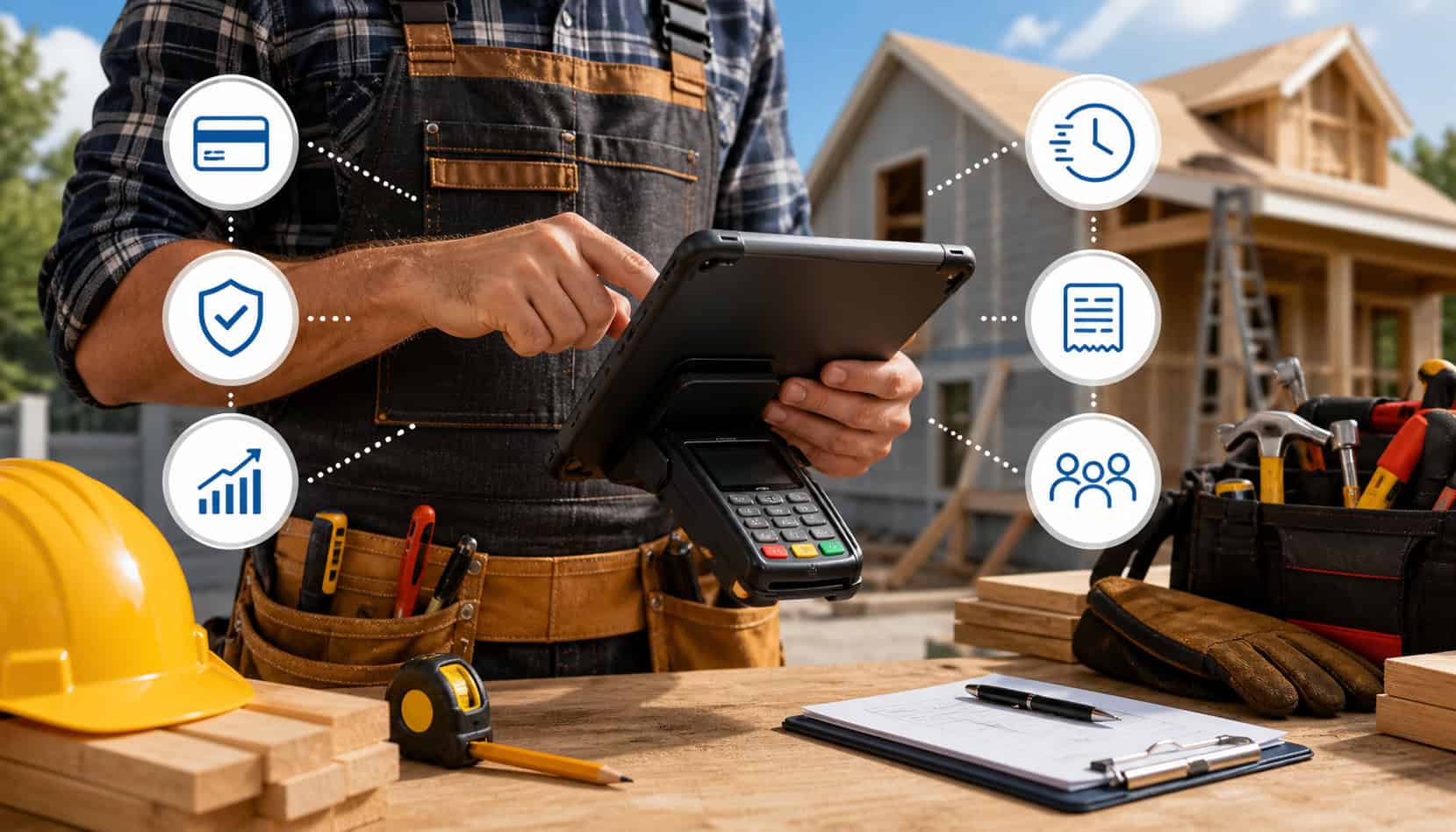
Contractors use mobile point of sale systems because payment collection is often one of the most frustrating parts of the job. The work may be complete, the client may be satisfied, and the invoice may be approved, but payment can still be delayed by mailed checks, manual follow-ups, missing paperwork, or office-only billing.
Mobile payment systems for contractors reduce that friction. A contractor can collect payment immediately after a repair, send a payment link after a change order, or accept a deposit before ordering materials. This helps shorten the gap between doing the work and receiving the money.
Customer convenience is another major benefit. Many clients expect to pay by card, ACH, mobile wallet, or online invoice. Giving them flexible options can make the payment process feel more professional and easier to complete.
Mobile POS systems also improve internal organization. Instead of tracking payments through handwritten notes, scattered emails, texts, or spreadsheets, contractors can use transaction histories, receipts, and reports. This makes it easier to follow up on unpaid invoices and avoid confusion between office staff and field teams.
Benefits often include:
- Faster payment collection
- Fewer check delays
- Better jobsite payment convenience
- Cleaner payment records
- Easier invoice tracking
- Remote payment options
- Improved customer experience
- Better visibility into cash flow
- Reduced manual admin work
Jobsite Payment Convenience
Jobsite payments are one of the clearest reasons contractors adopt mobile POS systems. When a client approves work in person, the contractor can request payment right away rather than sending an invoice later and hoping it is paid quickly.
This works well after walkthroughs, repairs, emergency calls, maintenance visits, inspections, and completed milestones. For example, a plumber can collect payment after completing a repair. A remodeler can collect a progress payment after a signed milestone approval. A roofing contractor can collect a deductible or final balance after reviewing completed work.
The convenience also helps customers. They can pay while the details are fresh, receive a receipt immediately, and avoid mailing checks or calling an office. For property managers or commercial clients, payment links and digital invoices can keep approvals moving even when the payer is offsite.
Jobsite payment tools also help reduce awkward follow-ups. Instead of calling days later to ask about payment, the contractor can build payment into the completion process.
Faster Deposits and Better Cash Flow
Cash flow matters in contracting because expenses often happen before final payment. Materials, labor, fuel, equipment, subcontractors, permits, insurance, and overhead all require steady funds. Delayed payments can create pressure even when the business has plenty of work.
Digital payment tools can help contractors collect faster than traditional methods. Instead of waiting for checks to be written, mailed, deposited, and cleared, contractors can accept card payments, ACH transfers, or online invoice payments.
This does not mean every digital payment settles instantly. Card and ACH funding timelines vary by provider, payment type, risk review, banking schedule, and account setup. However, the collection process is often faster and easier to track than manual check collection.
Improved cash flow also supports planning. When payments are recorded in a dashboard, owners can see what has been paid, what is pending, and what needs follow-up.
Payment Methods Mobile POS Systems Can Accept
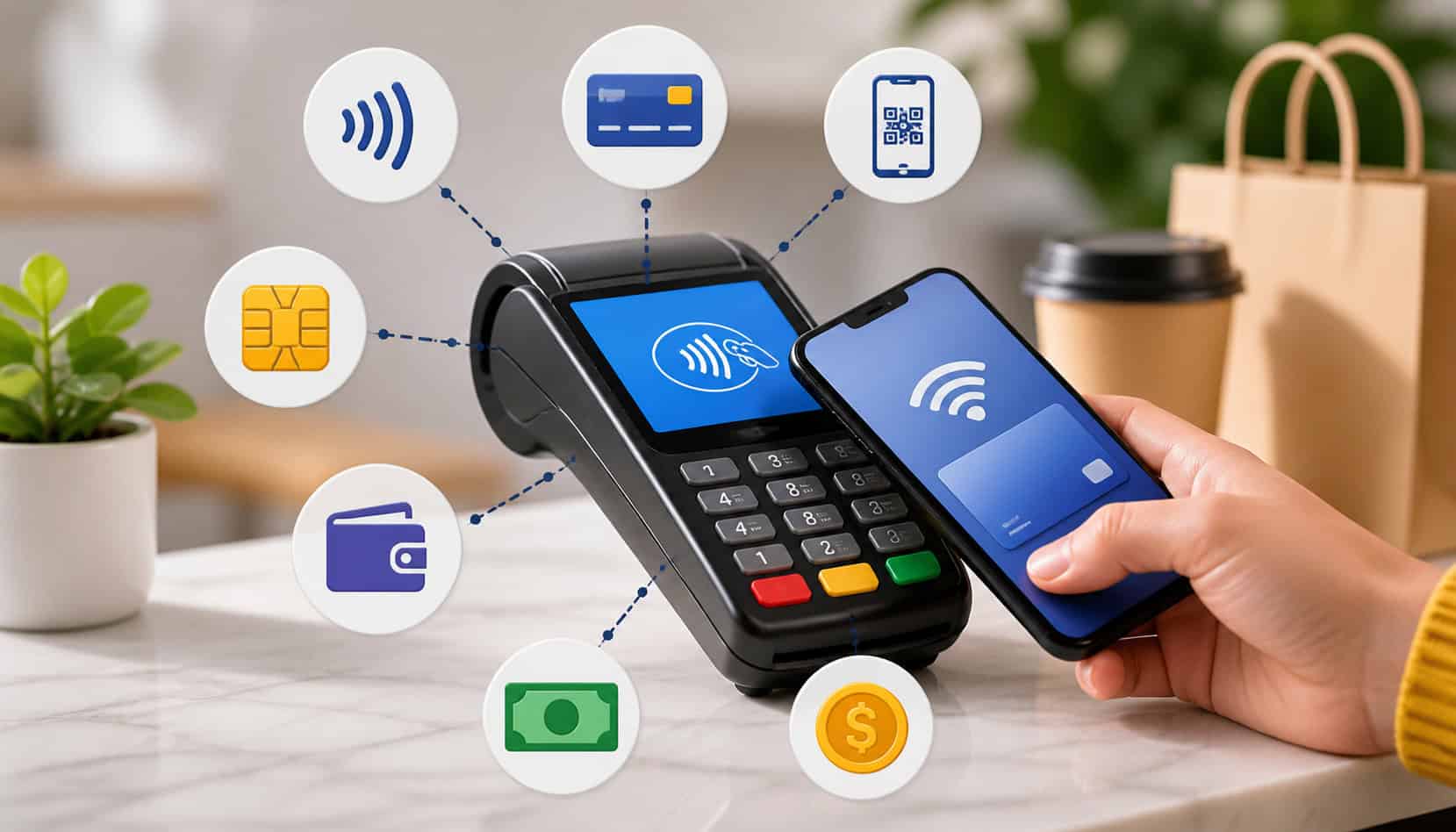
Mobile POS systems can accept several payment methods depending on the provider, hardware, software, and contractor account setup. The best setup gives customers options while helping the contractor manage fees, risk, and workflow.
Common payment methods include:
- Credit cards
- Debit cards
- Contactless tap-to-pay cards
- Mobile wallets
- ACH payments
- Digital invoices
- Payment links
- Partial payments
- Deposits
- Recurring or scheduled payments where supported
Card payments are popular because they are familiar and convenient. Customers can pay using a chip card, swipe card, tap-to-pay card, or mobile wallet. This is useful for service calls, deposits, final balances, and smaller project payments.
ACH payments move funds from one bank account to another. Contractors may use ACH for larger invoices, recurring billing, maintenance agreements, or clients who prefer bank transfers. Resources about ACH payments for contractors can help explain how bank-transfer payments fit contractor billing workflows.
Digital invoices and payment links are useful when the customer is not onsite. They also help contractors keep documentation attached to each transaction.
Partial payments are valuable for construction workflows. Many contractors do not collect the entire amount at once. They may collect a deposit, progress payment, change order payment, and final balance.
Mobile POS Systems vs Traditional Contractor Payment Methods
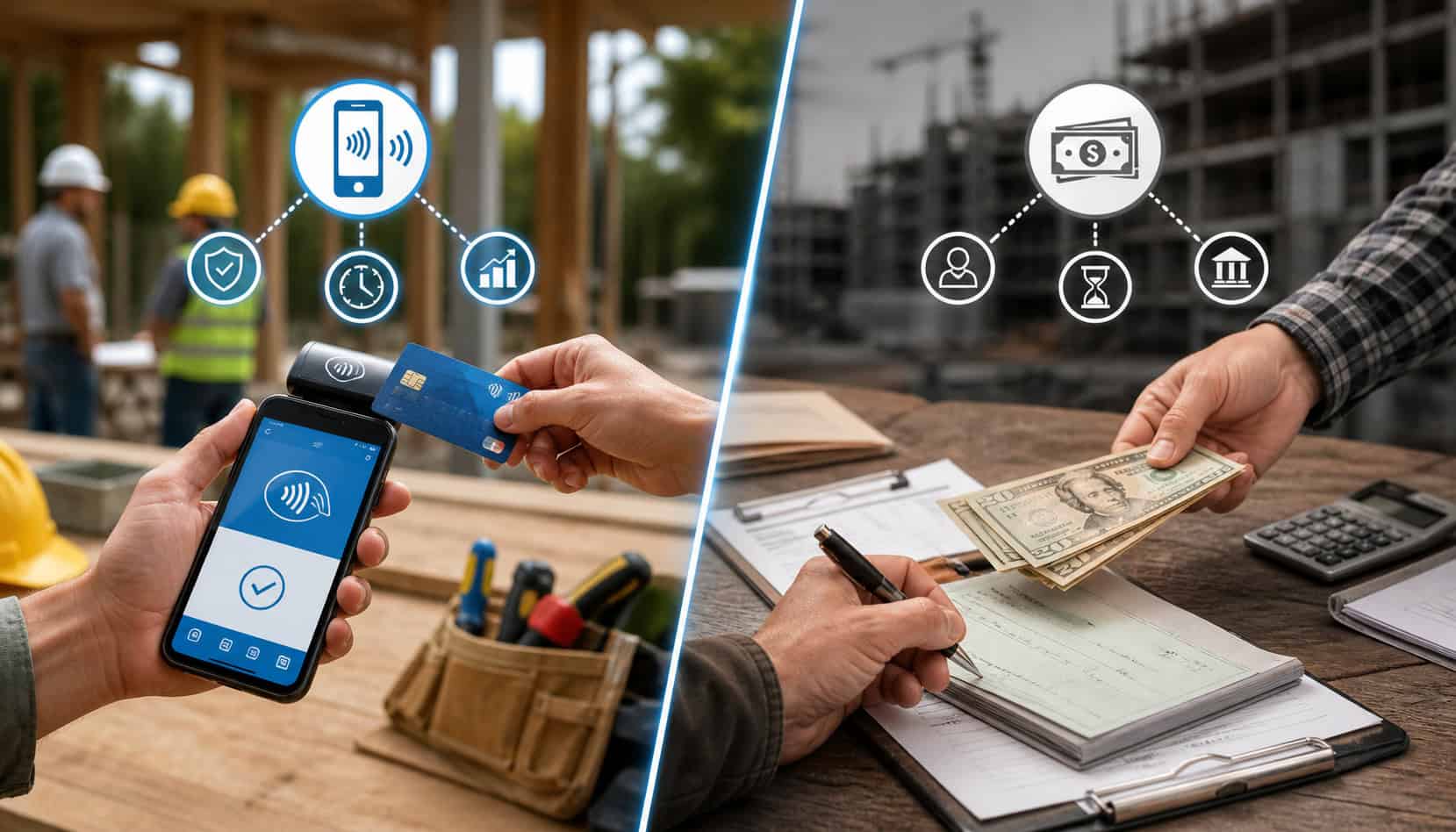
Traditional contractor payment methods include cash, checks, mailed invoices, office-only card payments, and manual bank transfers. These methods still exist, but they can create delays and extra administrative work.
Cash is immediate, but it can be hard to track and risky to carry. It may also create recordkeeping problems if receipts are not issued consistently.
Checks are familiar, especially for larger projects, but they can delay cash flow. A customer has to write the check, deliver it, and the contractor must deposit it. Checks can also be lost, delayed, returned, or difficult to match to the right invoice if documentation is weak.
Mailed invoices can work, but they often slow payment collection. The more steps a customer must take, the more likely payment will be delayed.
Office-only payment collection creates another problem. Field teams complete the work, but the customer must call the office or wait for billing staff to follow up. This can create gaps between job completion and payment.
Mobile POS systems improve speed and documentation. Contractors can collect payment at the jobsite, send payment links remotely, issue receipts, and track payment status from a dashboard.
Here is a practical comparison:
| Method | Speed | Convenience | Documentation | Common Challenge |
| Cash | Fast | Medium | Weak unless receipted | Harder to track and reconcile |
| Checks | Slow to medium | Familiar | Medium | Delays, returned checks, manual deposit |
| Mailed invoices | Slow | Low to medium | Medium | Requires follow-up |
| Office-only payments | Medium | Low for field clients | Medium | Creates extra admin steps |
| Mobile POS | Fast | High | Strong | Requires fees, setup, and training |
Security Features Contractors Should Look For
Security should be a major factor when choosing construction payment solutions. Contractors handle sensitive payment information, and jobsite conditions can make sloppy practices tempting. A secure mobile POS system helps reduce risk for both the business and the client.
Important security features include:
- Encryption for payment data
- Tokenization
- PCI-aware payment workflows
- Secure payment links
- User permissions
- Refund controls
- Fraud monitoring
- Device authentication
- Secure receipts
- Role-based access
- Activity logs
- Strong password and login controls
Encryption helps protect data during transmission. Tokenization replaces sensitive card details with a secure token so the contractor does not store raw card information. Secure receipts help confirm payment without exposing unnecessary data.
User permissions are especially important for contractors with multiple technicians, estimators, project managers, or office staff. Not every employee should be able to issue refunds, change payment settings, view full reports, or access customer records.
Contractors should also avoid collecting card details through text messages, email, paper forms, photos, or unsecured notes. These practices can create serious security and compliance concerns.
Protecting Client Payment Data
Protecting client payment data starts with using proper tools. A secure contractor mobile POS system is safer than writing card numbers on paper, saving them in a phone, or asking customers to text payment details.
Field conditions can make shortcuts tempting. A technician may be in a driveway, basement, unfinished room, or loud commercial space. Even then, payment data should only be entered through approved payment hardware, secure apps, or hosted payment pages.
A secure system limits what employees can see. For example, receipts may show only the last four digits of a card. Payment tokens may allow future authorized billing without exposing full card numbers. User permissions can prevent staff from accessing sensitive settings.
Contractors should also secure the devices used for payments. Phones and tablets should have screen locks, updated software, strong passwords, and limited access to business apps.
Reducing Chargebacks and Payment Disputes
Chargebacks and payment disputes can be expensive and time-consuming. Mobile POS systems cannot eliminate disputes, but they can help contractors document transactions more clearly.
Strong documentation includes signed estimates, approved change orders, itemized invoices, receipts, payment timestamps, customer authorization records, and clear payment terms. When all of this information is connected to the transaction, the contractor is better prepared to respond if a payment is questioned.
Itemized receipts are especially helpful. They show what the customer paid for, how much was paid, and when the payment occurred. For project-based work, invoices should clearly separate deposits, progress payments, materials, labor, change orders, and final balances.
Contractors should also communicate refund and cancellation rules before accepting payment. Confusion about deposits, special-order materials, or partial work can lead to disputes later.
Costs and Fees to Consider
Mobile POS systems can improve collection speed and reduce admin work, but contractors should understand the costs before choosing a provider. Payment fees vary depending on the processor, payment method, card type, transaction method, software plan, hardware, and risk profile.
Common costs include:
- Card processing fees
- ACH transaction fees
- Monthly software fees
- Mobile app fees
- Hardware costs
- Chargeback fees
- Refund-related costs
- PCI or compliance-related fees
- Batch or settlement fees
- Early termination fees where applicable
- Additional user or location fees
Card payments often cost more than ACH payments, especially for larger invoices. However, card payments may be faster and more convenient for customers. ACH may be cost-effective for large project balances, recurring billing, or commercial clients.
Hardware costs can include mobile card readers, portable terminals, receipt printers, tablet stands, chargers, and protective cases. Some contractors need rugged equipment that can handle dust, heat, cold, or rough jobsite conditions.
Contractors should compare costs against operational benefits. Faster collection, fewer unpaid invoices, reduced manual follow-up, better records, and improved cash flow may justify the cost of a mobile payment system.
How to Choose Portable POS Systems for Construction Workflows
Choosing portable POS systems for construction workflows requires more than picking a card reader. Contractors need payment tools that match how they estimate, invoice, approve work, collect deposits, manage crews, and reconcile payments.
Start with the business model. A small repair contractor may need fast card payments and text-based receipts. A remodeler may need deposits, progress invoices, change order payments, and accounting integration. A subcontractor may need ACH payments, commercial billing records, and invoice tracking.
Consider these factors:
- Project size
- Average ticket amount
- Number of field users
- Service call volume
- Deposit and progress payment needs
- ACH availability
- Card reader durability
- Offline or weak-signal options
- Digital invoice features
- Payment link options
- Accounting integration
- Customer support
- Refund controls
- Reporting quality
- Ease of use
- Security features
Support matters because payment problems often happen at inconvenient times. If a card reader fails during a service call or a payment link does not work, the contractor needs quick help.
Ease of use is also critical. Field teams may not have time for complicated workflows. The system should make it simple to find the right invoice, collect payment, send a receipt, and move on.
Contractors comparing options can review broader guidance on how to find the best payment processing solution for contractors.
Match the POS to Your Field Workflow
Different trades need different mobile POS workflows. A one-size-fits-all system may work for basic payments, but contractors often need tools that reflect how their jobs actually run.
Repair contractors usually need quick payment collection after service completion. They may value mobile card readers, tap-to-pay, digital receipts, and simple invoice notes.
Remodelers may need deposits, progress payments, change orders, and final balances. They benefit from digital invoices, partial payments, payment links, and clear reporting by project.
Emergency service providers need speed and reliability. They may need portable terminals with strong connectivity, after-hours payment options, and simple receipts.
Subcontractors may work with general contractors, property managers, or commercial clients. They may prioritize ACH payments, invoice tracking, and records that match purchase orders or project phases.
Specialty trades may need a mix of onsite and remote payment tools. For example, a flooring contractor may collect a deposit onsite, send a payment link for materials approval, and collect the final balance after installation.
Check Integration With Invoicing and Accounting
Integration is one of the most important features for contractor billing tools. When payment tools connect with invoicing, accounting, estimates, CRM, or project management software, contractors can reduce duplicate entry and improve records.
Without integration, staff may have to enter the same information in multiple systems. That increases the chance of errors, missed payments, duplicate invoices, or incorrect balances.
Good integrations can help:
- Mark invoices as paid
- Sync customer records
- Match deposits to transactions
- Export processing fees
- Track partial payments
- Connect payments to estimates
- Support bookkeeping
- Reduce manual reconciliation
Contractors should check whether the POS system connects with their existing software or at least exports clean reports. Even a simple daily transaction report can help if it includes invoice numbers, customer names, payment methods, fees, and settlement details.
Integration also supports growth. As the business adds crews, office staff, and more projects, connected systems make it easier to maintain consistent records.
Best Practices for Using Mobile Payment Systems for Contractors
Mobile payment systems work best when contractors use consistent processes. The technology helps, but the business still needs clear payment rules, trained staff, and good documentation.
Start by confirming payment terms before work begins. Estimates, contracts, and invoices should explain deposits, progress payments, due dates, accepted payment methods, and refund policies. This reduces confusion when it is time to collect.
Send itemized invoices whenever possible. Customers are more likely to pay quickly when they understand what the charge includes. Itemization also helps prevent disputes.
Test card readers and portable terminals before sending crews into the field. Devices should be charged, updated, connected, and assigned to the right users.
Use secure devices. Phones and tablets should have passcodes, updated operating systems, and access limited to approved business apps.
Train field staff on:
- Selecting the right customer
- Finding the correct invoice
- Entering accurate amounts
- Accepting card and ACH payments
- Sending payment links
- Issuing receipts
- Handling declined payments
- Following refund procedures
- Avoiding insecure card collection
Reconcile transactions regularly. Compare POS reports with invoices, bank deposits, and accounting records. This helps catch missing payments, duplicate entries, and fee differences.
Common Mistakes to Avoid
Mobile POS systems can make contractor payment processing easier, but mistakes can create unnecessary risk, fees, and confusion. Many problems happen when contractors adopt payment tools without setting clear rules.
One common mistake is using personal payment accounts for business transactions. This can blur records, create tax and accounting issues, weaken professionalism, and make reconciliation harder.
Another mistake is collecting card details insecurely. Contractors should not store card numbers in notebooks, photos, text messages, emails, spreadsheets, or unsecured notes. Secure payment apps, card readers, and hosted payment links are safer options.
Contractors should also avoid ignoring processing fees. Fees are part of accepting digital payments, and they should be considered when pricing jobs, setting policies, and choosing payment methods.
Skipping receipts is another problem. Every payment should have a receipt, especially deposits, change orders, and final balances.
Other mistakes include:
- Not testing devices before field use
- Failing to train staff
- Allowing too many users refund access
- Using vague invoice descriptions
- Not reconciling deposits
- Forgetting ACH return risk
- Not explaining payment terms upfront
- Relying only on one payment method
- Choosing software that does not fit the workflow
FAQs
What are mobile POS systems for contractors?
Mobile POS systems for contractors are tools that let contractors accept and manage payments using smartphones, tablets, card readers, portable terminals, digital invoices, and payment links.
How does a contractor mobile POS system work?
A contractor mobile POS system lets the contractor enter an amount, select an invoice, or send a payment request. The customer pays by card, ACH, mobile wallet, or payment link, and the system records the transaction.
Can contractors take card payments at a jobsite?
Yes. Contractors can take card payments at a jobsite using mobile card readers, portable terminals, tap-to-pay options, or mobile payment apps.
Are mobile POS systems secure?
Mobile POS systems can be secure when they use encryption, tokenization, secure payment links, user permissions, and PCI-aware payment workflows.
What payment methods can mobile POS systems accept?
Mobile POS systems may accept credit cards, debit cards, contactless payments, mobile wallets, ACH payments, digital invoices, payment links, deposits, and partial payments.
Do mobile POS systems help with invoices?
Yes. Many mobile POS systems help contractors create, send, track, and collect invoices with digital invoices, payment links, receipts, and payment status updates.
What fees should contractors expect?
Contractors may pay card processing fees, ACH fees, monthly software fees, hardware costs, chargeback fees, and refund-related fees.
When should contractors use a mobile POS instead of checks?
Contractors should use a mobile POS instead of checks when they want faster payment collection, better documentation, remote payment options, and easier jobsite payments.
Conclusion
Mobile POS systems for contractors help businesses accept payments where the work happens. They support jobsite payments, card payments, ACH payments, mobile wallets, digital invoices, payment links, deposits, change orders, receipts, and reporting.
For contractors, the value is practical. A strong mobile payment setup can speed up collection, reduce check delays, improve cash flow, create cleaner records, and give customers a more convenient way to pay.
The right system should match the contractor’s field workflow, project size, payment volume, security needs, and long-term growth plans. Whether the business handles service calls, remodels, specialty trades, subcontracting, or larger construction projects, mobile POS tools can make contractor payment processing more organized and reliable.