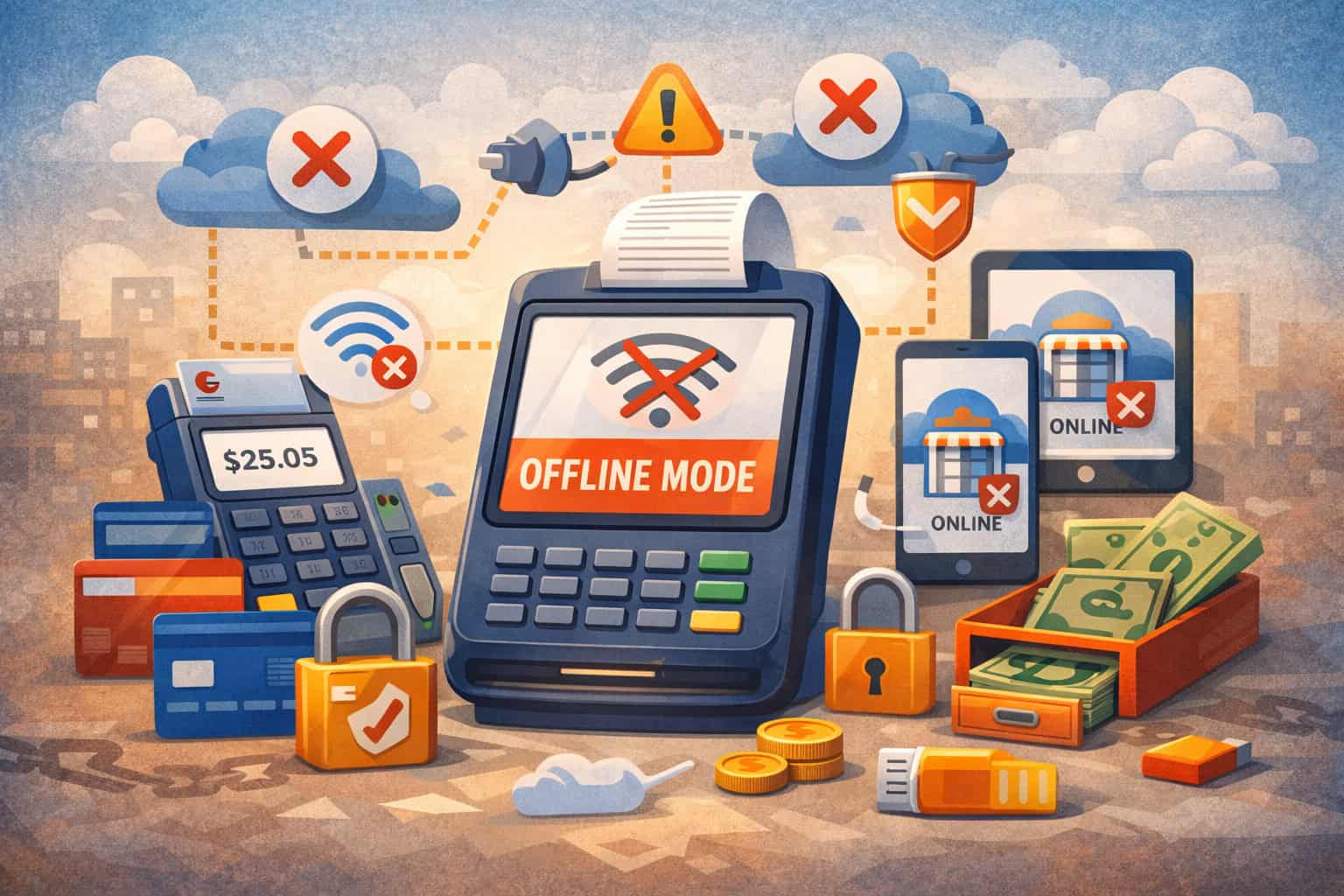
A POS system with offline mode capability isn’t just a “nice-to-have” feature anymore. It’s the safety net that keeps revenue flowing when Wi-Fi drops, an ISP goes down, a router fails, or a location is simply spotty (think pop-ups, events, rural areas, and older buildings with dead zones).
The best part is continuity: you can keep ringing sales, capturing orders, and serving customers even when your connection doesn’t cooperate.
But here’s the catch: “offline mode” can mean very different things depending on the provider. Some systems only let you record orders offline, while others can accept card payments offline using “store-and-forward” (with real financial risk if the payment later declines).
Some can operate for minutes; some for hours; some require specific hardware, settings, and staff permissions. Square, for example, explains that offline card payments can be enabled in settings and processed while disconnected, but sellers remain responsible for declined, expired, or disputed offline payments accepted during the outage.
This guide breaks down how to choose a POS system with offline mode capability that matches your business type, risk tolerance, and operational reality—plus how offline payments work, what to demand in demos, and where the technology is headed next.
What “Offline Mode” Really Means in a POS System
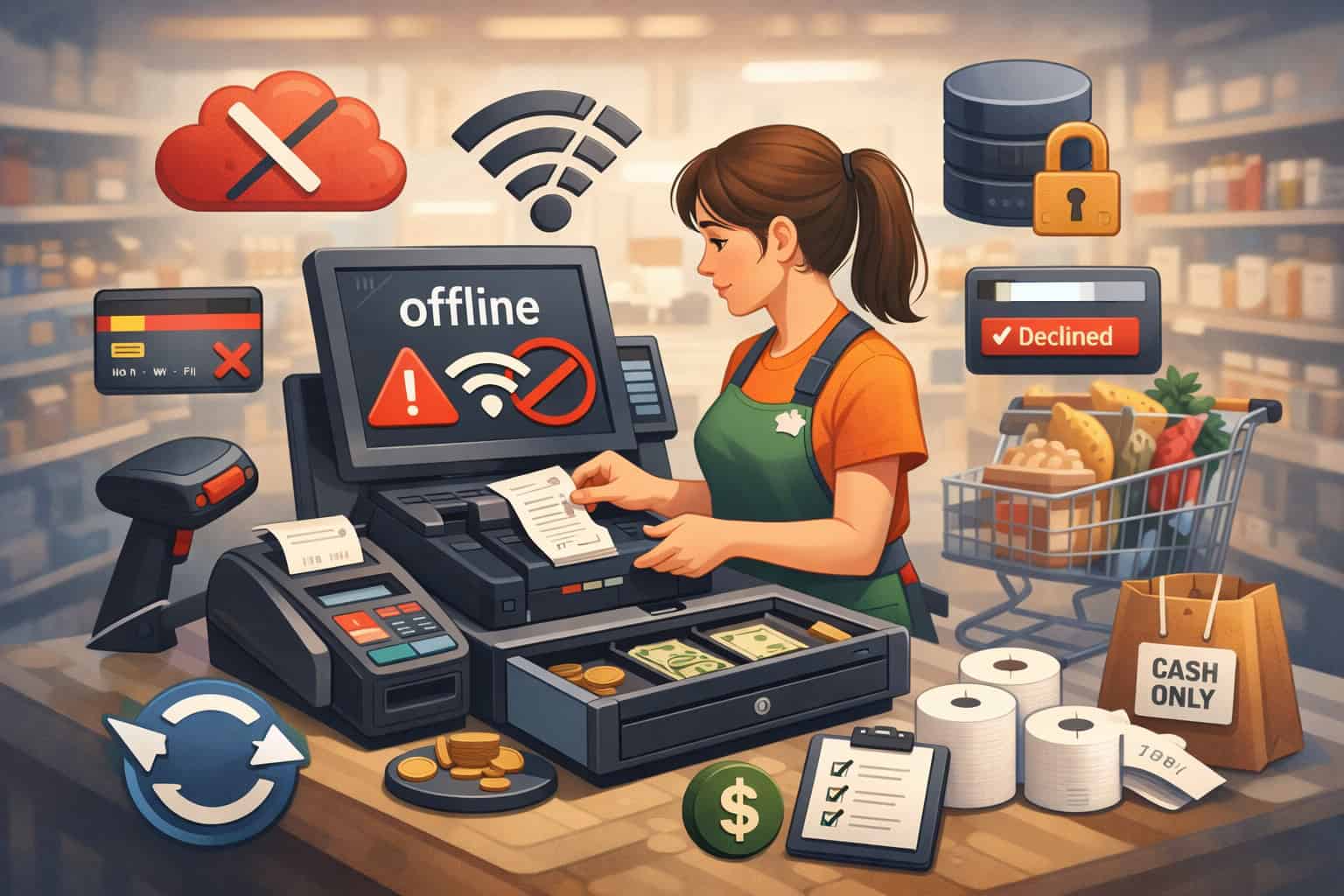
When vendors say “offline,” you must ask: offline for what? A true POS system with offline mode capability can keep core operations running when internet connectivity disappears, but the exact scope varies widely.
Most offline modes fall into two big categories:
- Operational offline mode (order-taking offline): You can build carts, enter orders, apply discounts, open cash drawers, print tickets, and store transactions locally. Then the system syncs when the connection returns.
Many restaurant-focused systems emphasize keeping service moving—taking orders, sending tickets to kitchen printers, and printing receipts—while warning that certain features may be limited until service is restored. Toast, for example, documents procedures and limitations during offline disruptions. - Payments offline mode (accepting card payments offline): This is where complexity and risk spike. The POS may temporarily store payment details and forward them for authorization later (“store-and-forward”), or use specific “offline EMV” rules depending on terminal configuration.
Adyen explicitly distinguishes types of offline payments (offline EMV vs store-and-forward) and frames them as a risk-managed feature that must be enabled and controlled.
A POS system with offline mode capability should clearly state:
- Which functions work offline (sales, tips, returns, loyalty, gift cards, inventory, customer profiles).
- How long offline mode can operate.
- Whether offline card payments are allowed, and under what limits.
- How sync works and what happens when a transaction can’t be finalized.
If a vendor can’t explain their offline logic in plain language, treat it as a red flag.
Why Offline Mode Capability Matters for Revenue, Reputation, and Risk

Internet outages don’t just pause your POS—they can trigger a chain reaction: lines build, staff improvises, inventory gets messy, customers leave, and chargeback risk increases if you start writing card numbers down (which you should never do).
A POS system with offline mode capability protects you in three practical ways:
- You keep selling through disruption: Even “short” outages cost real money during peak hours. Offline mode lets you keep scanning items, taking orders, and collecting cash.
If your system supports offline card payments, you may also keep accepting cards, but you’re essentially trading downtime for financial risk. - You reduce customer frustration and abandonment: Customers don’t care why your network is down. They care that checkout is fast and reliable. A POS that continues operating offline reduces the awkward “sorry, we can’t take payments right now” moments that send people to competitors.
- You avoid risky workarounds: During outages, some businesses resort to paper notes, texting orders, or—worst-case—writing down card details. That creates operational chaos and serious security exposure.
PCI guidance emphasizes minimizing stored card data and controlling what data is stored and how it’s protected.
The goal of a POS system with offline mode capability isn’t to make outages irrelevant—it’s to make them survivable, with controlled risk and clean recovery.
Offline Payments Explained: Store-and-Forward vs Offline EMV
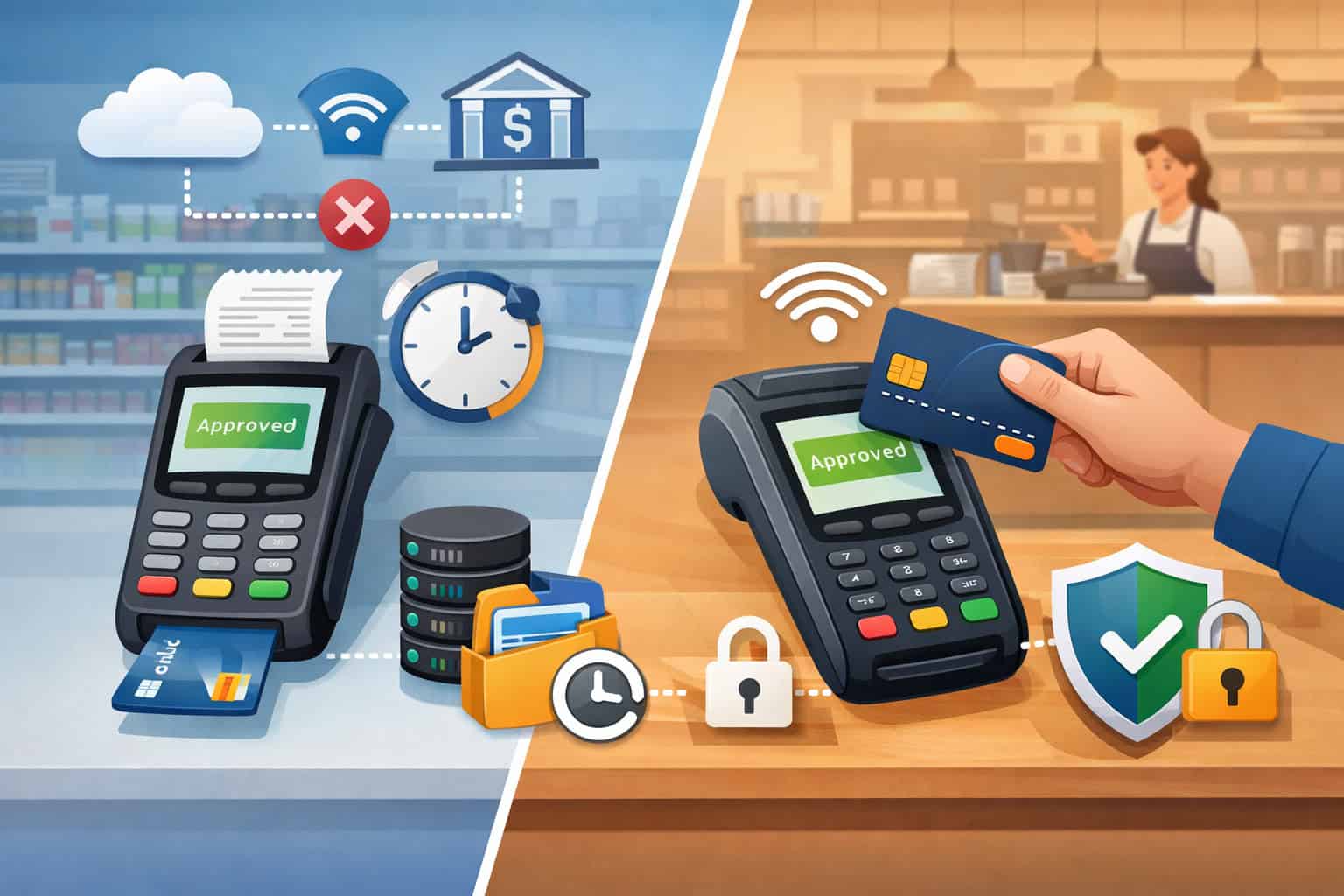
To choose the right POS system with offline mode capability, you need a basic understanding of how offline card acceptance works. Two common methods show up in modern systems and payment platforms:
Store-and-Forward (SAF)
With store-and-forward, the POS or terminal captures the transaction while offline, stores it, then submits it to the processor when connectivity returns. This is widely described as “offline payments” in terminal documentation and support guides.
Some providers describe rules around issuer configuration, scheme support, maximum transaction limits, and device thresholds that determine whether an offline transaction can be approved and stored.
What you should know:
- Approval is not guaranteed. The customer’s bank hasn’t approved it yet.
- The business often bears the loss if the transaction is later declined.
- Providers typically enforce caps (per transaction, per day, per offline session) to control exposure.
Square’s documentation highlights that sellers are responsible for payments accepted offline that later expire, are declined, or are disputed, and it also describes time-based constraints for reconnecting.
Offline EMV
Offline EMV is more technical and depends on terminal, card, and configuration. Some payment platforms explain offline EMV as a distinct category from store-and-forward, with different risk characteristics and rules.
The Real Risks of Offline Mode—and How to Control Them

A POS system with offline mode capability is powerful, but it can also amplify risk if you enable offline payments without guardrails.
Financial risk: declined or disputed transactions
When you accept a card payment offline, you may not know the customer’s available balance, fraud status, or restrictions until later. If it declines after connectivity returns, you might have already handed over goods or completed service. Some providers are very direct that the merchant is responsible for these losses during offline acceptance.
Controls to demand:
- Configurable offline transaction limits (max ticket size, max cumulative offline total).
- Offline mode restricted to managers or trusted roles.
- Automatic prompts and warnings when offline payments are being taken.
- Clear reconciliation reports that flag offline submissions and outcomes.
Security risk: local data storage
Offline operation often means the device stores some information locally until sync completes. PCI materials stress that minimizing stored cardholder data reduces exposure, and if you do store data for a legitimate reason, strict protections are required.
Controls to demand:
- Tokenization and encryption at rest.
- Short retention windows.
- Remote wipe / device management options.
- No “workarounds” that store prohibited card data elements.
Operational risk: sync conflicts and inventory inaccuracies
Offline order-taking can create conflicts:
- Duplicate tickets
- Incorrect on-hand counts
- Misapplied discounts/taxes
- Duplicate customer profiles
A strong POS system with offline mode capability should offer predictable sync logic: queued transactions, time stamps, conflict handling, and audit trails.
Identify Your Offline Scenarios Before You Shop
Before comparing vendors, map your real-world disruption patterns. This step alone will prevent expensive mistakes when choosing a POS system with offline mode capability.
Scenario 1: Short Wi-Fi drops (minutes)
If outages are brief, you may only need:
- Order-taking continuity
- Local receipt printing
- Cash drawer operation
- Automatic sync when back online
Scenario 2: Longer ISP outages (hours)
You’ll need stronger offline operations:
- Reliable local transaction queue
- Multiple device support (register + handhelds)
- Kitchen routing redundancy (for restaurants)
- Clear offline status indicators and staff procedures
Toast, for example, publishes offline mode resources and checklists for service disruptions, which signals that offline operations are an expected part of restaurant continuity planning.
Scenario 3: Remote selling (events, pop-ups, mobile)
Here, the best “offline” solution may actually be cellular failover rather than offline payments, because it keeps real-time authorization. Some payment platforms position cellular connectivity as an alternative to offline payments during local internet failures.
Scenario 4: High-ticket or high-fraud categories
If your average ticket is large, offline payments can be dangerous. In these cases, you may want a POS system with offline mode capability for order-taking only, while requiring connectivity (or cellular) for card acceptance.
Core Requirements Checklist for a POS System with Offline Mode Capability
If you want a POS system with offline mode capability that genuinely protects uptime, focus on these requirements—not marketing labels.
1) Offline transparency: “Am I offline right now?”
Demand:
- Bold offline banners on every device
- Audible alerts or clear indicators
- A log of offline periods
Offline should never be subtle. Staff must know instantly, because behavior changes (especially around payments).
2) Offline transaction queue + reliable sync
Demand:
- A visible queue of stored transactions
- Sync progress status
- Clear success/failure outcomes
A vendor should explain exactly what happens if sync fails, if devices reboot, or if the app crashes mid-outage.
3) Offline hardware independence
A strong POS system with offline mode capability should keep working even if:
- The router fails
- A single device drops Wi-Fi
- A handheld disconnects but the main register stays online
Ask whether offline mode is device-based (each device queues its own transactions) or network-based (a local hub maintains continuity).
4) Role-based permissions for offline payments
Offline payments should be a permission—not a default. Toast notes that employees must be permitted to process credit card payments in offline mode after enabling the feature.
5) Limits and controls
Demand configurable:
- Max offline ticket size
- Max offline total (per device/day)
- Max offline duration
- Allowed tender types (cash vs card vs manual entry)
6) Receipts, tipping, and refunds offline
Offline selling often breaks at the edges:
- Can you capture tips offline?
- Can you refund offline?
- Can you accept partial payments?
- Can you reprint receipts?
A POS system with offline mode capability should clearly define what’s supported.
Payment Hardware Considerations for Offline Capability
Not all offline capability is created equal because payment acceptance depends on hardware and certification. When selecting a POS system with offline mode capability, evaluate the payment stack as carefully as the software.
EMV chip and contactless behavior offline
Some offline flows behave differently depending on whether the payment is chip, tap, or swipe. Vendors may restrict which methods are allowed offline to reduce risk. Your provider should be able to state:
- Which entry methods are permitted offline
- Whether signatures are required
- What receipts show for offline approvals
Terminal memory and store-and-forward limits
Some terminals have practical caps: number of offline transactions stored, max totals, or other constraints. Store-and-forward documentation from terminal providers highlights configurable maximum transaction amounts and cumulative limits.
Battery life and peripherals
Offline mode often happens during disruptions—exactly when you don’t want battery issues. Check:
- Register and handheld battery runtime
- Backup power options (UPS for router/modem and printers)
- Offline printing support
- Cash drawer compatibility
A POS system with offline mode capability should be paired with a physical resilience plan.
Software Features That Make Offline Mode Actually Usable
Many systems technically “work offline,” but only in a narrow sense. The best POS system with offline mode capability supports real workflows.
Inventory and item lookup offline
Ask whether the device keeps a local product catalog:
- SKUs, barcodes, modifiers
- Price rules and discounts
- Tax rates by location
- Minimum advertised pricing rules (if relevant)
If the POS can’t access your catalog offline, staff will waste time searching or guessing.
Order routing and production offline
Restaurants and service businesses should ask:
- Do kitchen tickets still print offline?
- Does the KDS continue showing tickets?
- Can staff manage courses, hold fires, or table status offline?
Toast’s offline training materials emphasize continuing service with limitations, including kitchen ticket handling and other operational continuity.
Customer data and loyalty offline
Offline often limits:
- Customer lookup
- Loyalty redemption
- Email/SMS receipts
- Gift card balance checks
You don’t need perfection, but you do need predictability. A POS system with offline mode capability should tell you exactly what happens in each area.
Multi-location and multi-device sync logic
If you have multiple registers:
- Do they each operate offline independently?
- What happens if one device reconnects before another?
- Can the system reconcile conflicts cleanly?
If a vendor can’t show you offline sync reporting, treat it as a serious warning.
Compliance and Data Security for Offline Mode
Offline mode changes your data risk profile. When choosing a POS system with offline mode capability, compliance and security should be evaluated as part of offline design—not an afterthought.
PCI principles that matter most during offline operation
Key idea: the less sensitive data you store, the safer you are. PCI guidance on data storage emphasizes understanding what data elements are allowed to be stored and protecting stored cardholder data.
In practice, you should demand:
- No storage of prohibited sensitive authentication data after authorization
- Strong encryption and tokenization
- Device-level security controls (PIN/biometric locks, inactivity timeouts)
- Central management (remote logout, app control, device monitoring)
Staff behavior controls
Offline mode often triggers “creative” behavior in teams. Your policy should be:
- Never write down card numbers
- Never use personal phones to capture payment details
- Never bypass the POS for “later entry”
A POS system with offline mode capability should support safer behavior with clear offline prompts and limited, controlled offline payment permissions.
Audit trails and incident readiness
Ask for:
- Offline transaction logs
- Reconciliation reports showing offline approvals vs final outcomes
- Time stamps and device IDs
- Easy export for accounting and disputes
If offline payments are enabled, your dispute posture must be stronger, because you accepted payments without live authorization.
How to Evaluate Offline Mode in Demos (What to Ask and What to Test)
Never buy a POS system with offline mode capability based on a sales slide. You need a hands-on offline test plan.
Ask these direct questions
- “Does offline mode allow card payments, or only order-taking?”
- “What tender types work offline?”
- “What are the default offline limits, and can we change them?”
- “What’s the maximum offline duration before transactions fail?”
- “What happens if the device is offline and reboots?”
- “How do we reconcile offline payments and identify declines later?”
Square’s documentation, for example, outlines how offline payments can be enabled and emphasizes merchant responsibility for offline declines and disputes—your vendor should be equally clear.
Run a real offline simulation
In a controlled test:
- Build a cart and complete a cash sale while offline
- Attempt a card sale while offline (if enabled)
- Print a receipt and open the cash drawer
- Create a refund scenario (even if it fails offline—observe behavior)
- Restore internet and watch sync results
- Confirm reports show offline transactions clearly
A trustworthy POS system with offline mode capability will behave consistently and document its limits.
Choosing Offline Capability by Business Type
Different businesses need different “offline” strengths. A POS system with offline mode capability should match your operational bottlenecks.
Retail (barcode + inventory-heavy)
Prioritize:
- Full product catalog cached locally
- Barcode scanning offline
- Offline tax calculation based on location rules
- Strong inventory reconciliation and audit trails
Avoid offline card acceptance for high-ticket retail unless limits are strict.
Restaurants (speed + kitchen execution)
Prioritize:
- Offline order entry and table management
- Kitchen printing/KDS continuity
- Offline tipping workflows (or post-sync tip adjustment)
- Staff permissions and offline procedures
Toast’s offline resources are a good model of how restaurant POS providers think about service disruption procedures.
Mobile vendors and pop-ups
Prioritize:
- Cellular failover options
- Fast device switching
- Offline catalog and pricing
- Simple offline receipts
Consider whether you really need offline card payments or whether cellular keeps authorization live.
Service businesses (appointments + invoices)
Prioritize:
- Offline invoice creation
- Offline payment links queued for later (if applicable)
- Customer notes and job details cached locally
- Clean sync to accounting
For many service teams, a POS system with offline mode capability that supports operational continuity is more valuable than offline card acceptance.
Implementation Best Practices After You Choose a POS
Buying the right POS system with offline mode capability is only half the job. Implementation determines whether offline mode saves you—or becomes chaos.
Configure offline settings intentionally
- Set offline payment permissions to managers only
- Establish ticket-size limits
- Define when offline card payments are allowed (and when they’re not)
- Enable clear offline alerts
Create a one-page offline playbook for staff
Include:
- How to recognize offline mode
- Which tenders are allowed
- How to handle tips and receipts
- What to do if a payment fails after reconnection
- Who to call internally
If your POS vendor provides an offline checklist or training guide, adapt it into your local SOP. Toast provides printable offline resources and training materials that can inspire your own operational checklist.
Build connectivity redundancy
A POS system with offline mode capability is strongest when paired with:
- Dual internet (primary ISP + backup)
- Cellular router failover
- UPS battery backup for modem/router and key devices
This approach reduces how often you ever need to rely on offline payments.
Train for the “after” moment: reconciliation
Your staff should know how to:
- Verify offline batches submitted
- Identify declines and contact customers when appropriate
- Document losses correctly
- Prevent double-charging mistakes
Offline mode is a workflow, not a button.
Future Predictions: Where Offline-Capable POS Is Headed Next
Offline capability is evolving fast, mostly because merchants demand “always-on” commerce and because networks are improving—but not perfectly.
Smarter risk engines for offline approvals
Payment platforms are increasingly treating offline acceptance as a risk-managed feature with tighter controls, real-time device health checks, and configurable rules (limits, thresholds, and selective enablement). Documentation from payment platforms already frames offline payments in terms of risk and controlled enablement.
Expect more:
- Dynamic offline limits based on merchant history
- Fraud signals from device behavior
- Automated prompts to switch to cellular instead of offline storage
Wider “degraded mode” operations beyond payments
Offline functionality will likely expand to:
- More offline CRM and loyalty functions (with privacy controls)
- Better offline inventory reconciliation
- Improved local caching and conflict resolution
Offline mode as part of resilience scoring
Vendors may start providing a “resilience dashboard”:
- Internet uptime monitoring
- Offline event logs
- Device health
- Sync success rates
The best POS system with offline mode capability will feel less like an emergency option and more like a designed operating state.
FAQs
Q1) Can every POS accept card payments offline?
Answer: No. Many systems only support operational offline mode (taking orders, recording sales) but not offline card authorization. Some that do support offline card payments do so under strict limits and merchant responsibility for declines.
Square’s offline payment materials emphasize that sellers may be responsible for losses tied to offline declines, disputes, or expired payments.
Q2) Are offline payments the same as “tap to pay without internet”?
Answer: Not necessarily. Offline payments usually mean the payment is captured and stored, then submitted later (store-and-forward) or handled under specific offline EMV rules. Some platforms distinguish offline EMV and store-and-forward as different approaches.
Q3) What’s the safest way to handle outages?
Answer: From a risk standpoint, the safest approach is:
- Keep operating offline for order-taking and cash
- Use cellular failover for real-time card authorization where possible
Some payment providers explicitly describe cellular as an alternative to offline payments when the internet is down.
Q4) Does offline mode increase PCI risk?
Answer: It can, because offline operations may require temporary local storage and different transaction handling. PCI guidance stresses minimizing stored cardholder data and protecting any stored data when there is a legitimate reason to store it.
Q5) How do I choose offline limits for card payments?
Answer: Base limits on:
- Your average ticket size
- Your fraud exposure
- Your ability to recover a declined payment
- Your peak-hour urgency
For high-ticket businesses, consider disabling offline card payments entirely and using cellular backup instead.
Q6) What should I look for in offline reporting?
Answer: Your POS system with offline mode capability should provide:
- A list of offline transactions
- Submission timestamps
- Final authorization results after sync
- Flags for declines, reversals, and duplicates
If you can’t easily audit offline activity, you’ll struggle with reconciliation and disputes.
Conclusion
Selecting a POS system with offline mode capability is ultimately about balancing continuity and control. You want a POS that keeps selling when connectivity fails—but you also need clear limits, strong security practices, and predictable syncing so offline mode doesn’t turn into financial loss or accounting confusion.
Start by defining your outage scenarios, then choose whether you need operational offline mode only or true offline payments. Demand transparency (big offline indicators), strong sync behavior, role-based permissions, and configurable offline limits.
Validate the feature with real offline simulations during demos, and implement it with staff training and connectivity redundancy.